Welcome to visit Foshan Belt&Road Building Material Co., Ltd.
- Product Name
- Product Keyword
- Product Model
- Product Summary
- Product Description
- Multi Field Search

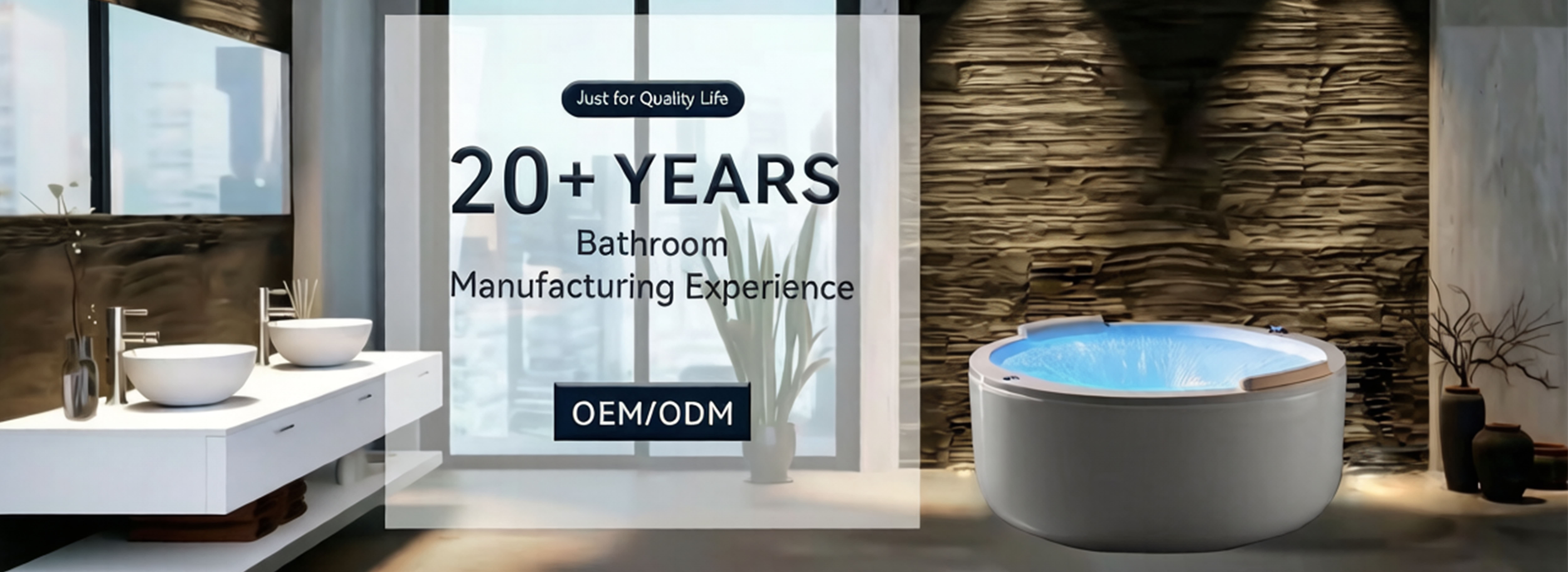


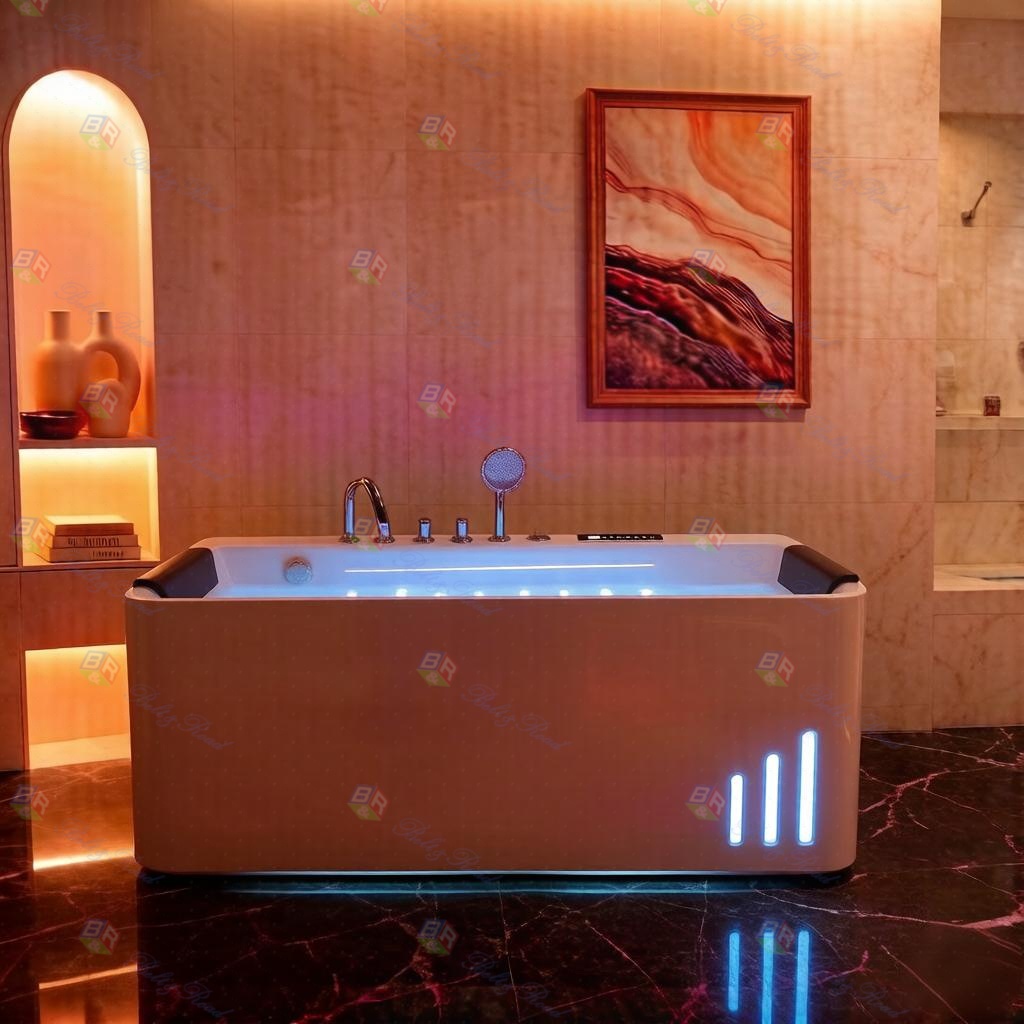

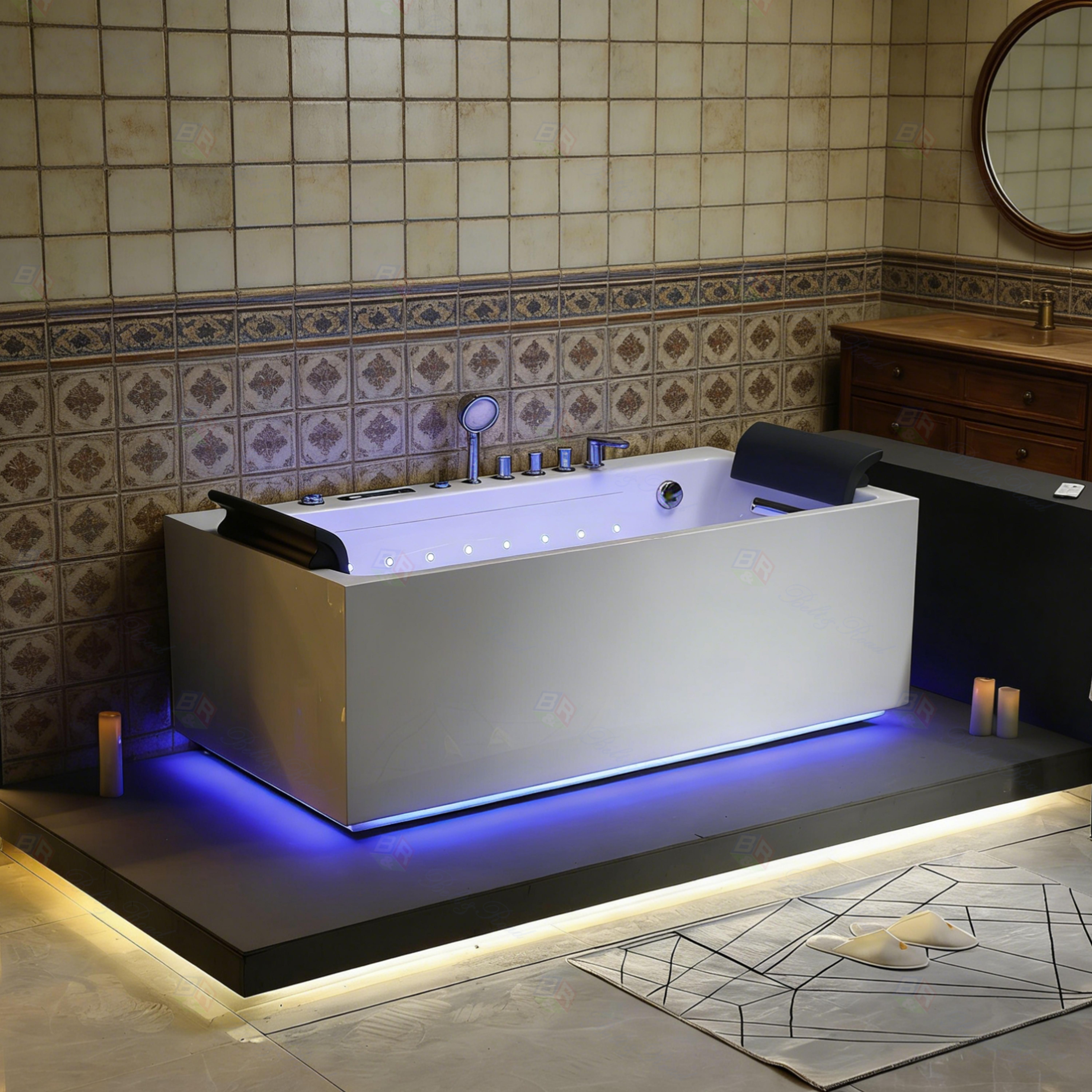

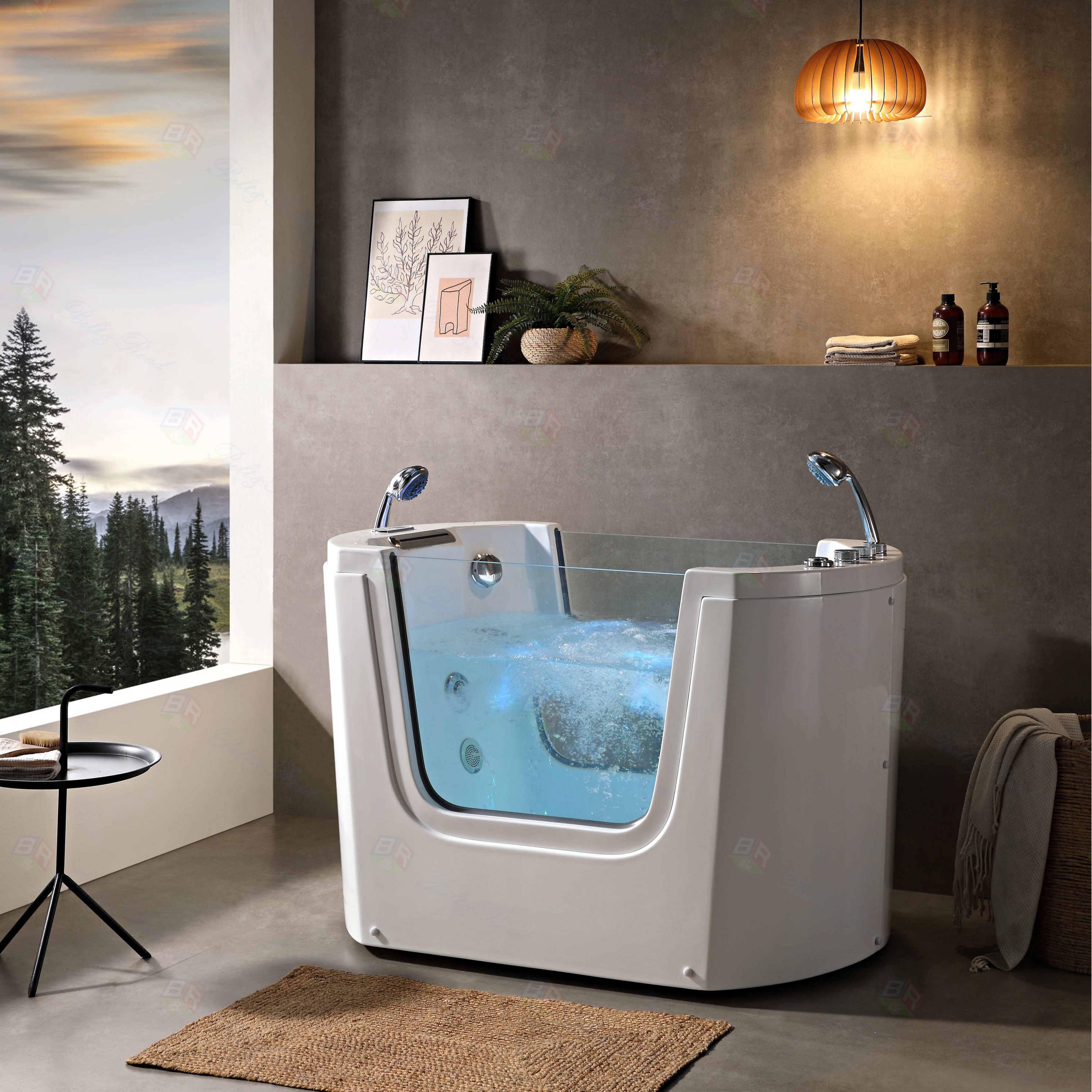

Welcome to the ultimate relaxation experience with your new freestanding massage bathtub. This user manual is designed to help you master the control panel, ensuring you get the most out of your home spa. Understanding your freestanding massage bathtub's interface is the first step to countless soothing soaks.
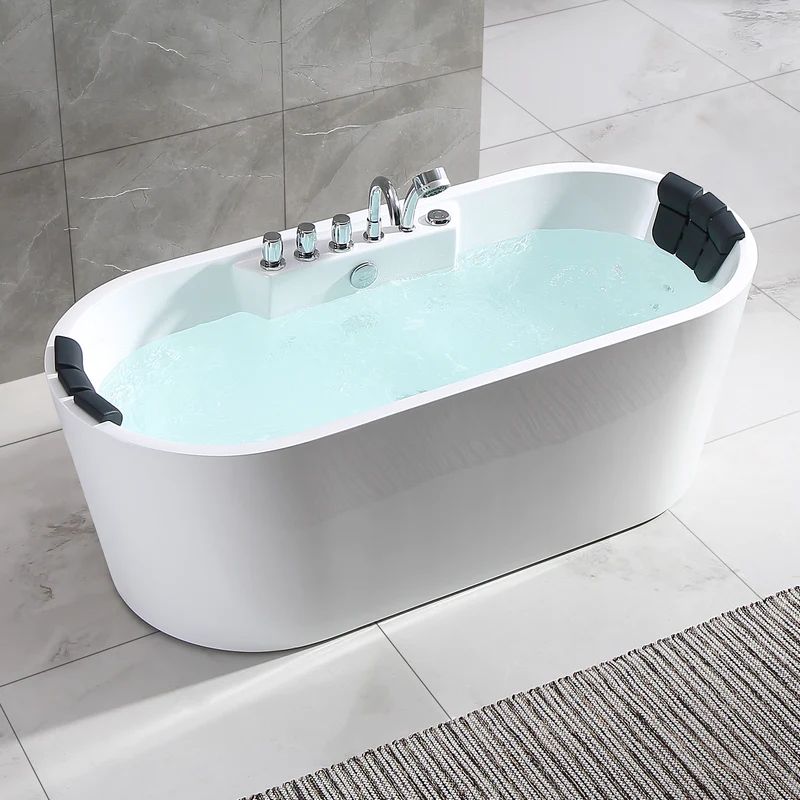
The control panel is the heart of your bathtub. Typically located within easy reach on the tub's rim, it features intuitive buttons or a touchscreen. The main functions include power, jet control, temperature setting, and often pre-programmed massage modes. For safety, always ensure the power is off before initial setup and that the unit is properly connected to a GFCI-protected outlet.
Let's explore the key features. The jet control allows you to adjust the intensity of the water massage. Start low and gradually increase to your comfort level. The temperature setting maintains your perfect water warmth. Remember, for safety, it's recommended not to exceed 104°F (40°C). Many models include timers and LED mood lighting controls, enhancing your ambiance.
.jpg)
Regular maintenance is crucial. After each use, run a clean cycle with fresh water. Periodically, use a manufacturer-approved cleaning solution to prevent clogging in the jets. Always refer to your specific model's manual for detailed care instructions.
To truly personalize your sanctuary, consider a custom-built solution. For those seeking a tailor-made freestanding massage bathtub, we recommend reaching out to the experts at Foshan Belt&Road Building Material Co., Ltd. They specialize in high-end bathroom fixtures and can bring your dream spa design to life. You can contact them at TEL: +086-13924556658 or via Email: info@beltroadasia.com for professional consultation and bespoke services.
Embrace the luxury and therapeutic benefits of your tub. With this guide to the bathtub control panel, you're ready to transform your bathroom into a personal wellness retreat. Enjoy your soak!
.jpeg)
.jpg)